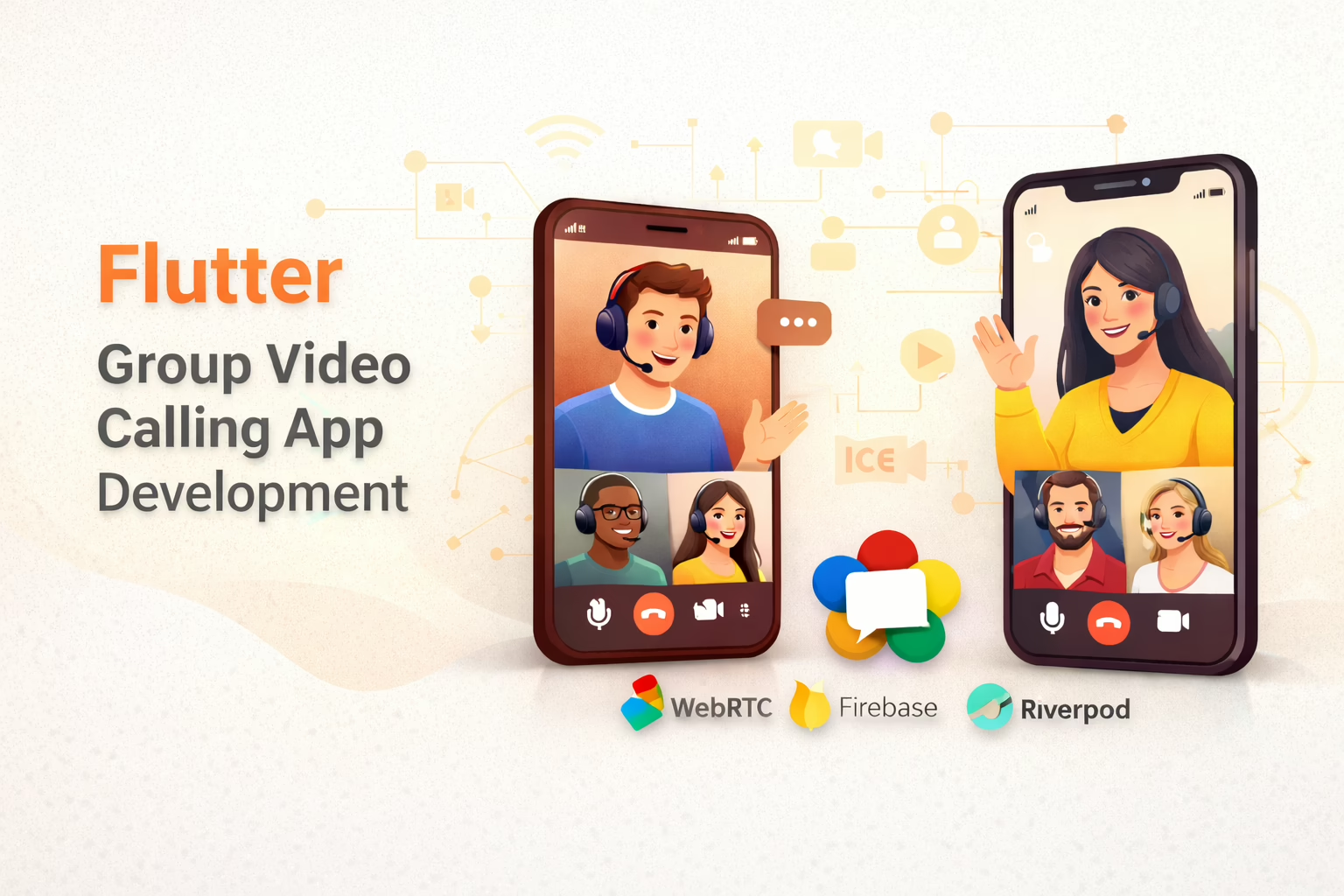
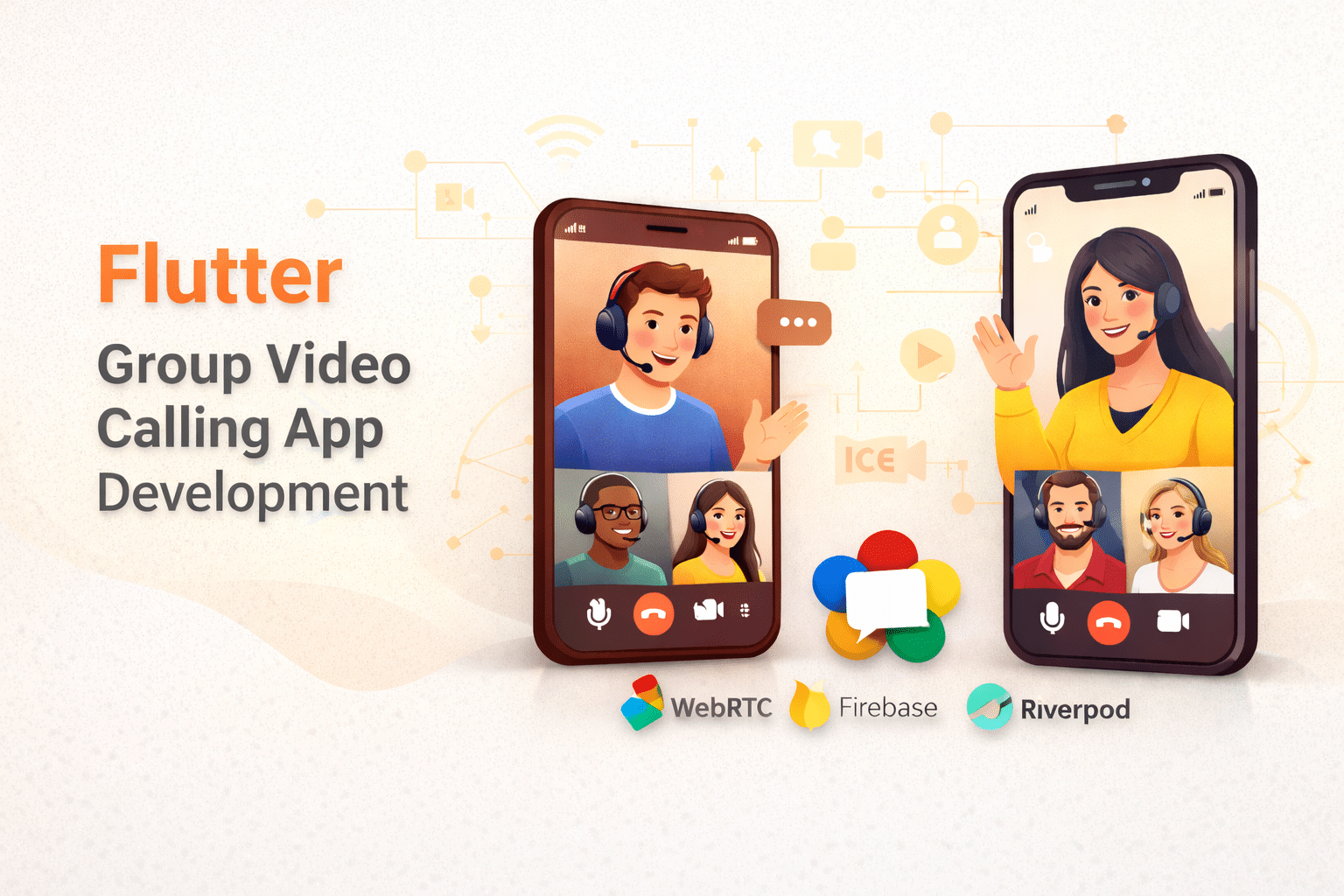
At Sreyas IT Solutions, our Flutter development team focuses on creating strong group calls and video chat apps for both iOS and Android. Using technologies like flutter_webrtc, we allow real-time communication with smooth transitions between foreground, background, and closed app states. We want to build dependable and feature-packed video communication solutions that boost user engagement and offer smooth, interactive experiences for every participant.
How WebRTC Implements Group Video Calls with Firebase
Our Flutter app allows group video calls by using WebRTC for real-time media streaming, Firebase Firestore for signaling, and Riverpod for state management. Each participant creates a peer-to-peer connection through WebRTC. Firebase manages the exchange of session descriptions and ICE candidates to coordinate connections. Riverpod oversees the app’s reactive state, providing smooth updates for ongoing video calls and chat sessions, even as users join or leave the group.
Group Video Calling System Overview
Caller App
- GroupCallProvider: Manages all WebRTC operations including peer connections, media streams, and Firestore signaling
- Key Features:
- Creates video rooms with unique IDs
- Initiates calls to multiple participants.
- Handles real-time peer connections.
- Manages local/remote video streams.
- Provides controls for mic, camera, and participant management
- GroupCallerScreen:
- Displays video grid with adaptive layout (2-participant vertical split or grid view).
- Shows connection status and participant count.
- Includes controls for adding participants, switching cameras, and ending calls.
Receiver App
- GroupCallProvider: Similar functionality optimized for receiving calls.
- Key Features:
- Joins existing video rooms.
- Handles incoming call invitations.
- Establishes peer connections with existing participants.
- Manages media streams and WebRTC negotiations.
- CalleeScreen:
- Accepts/rejects incoming call requests.
- Displays video grid with participant information.
- Provides real-time call controls.
Core Architecture
- Firestore Signaling: Uses Firestore collections for WebRTC signaling (offers, answers, ICE candidates)
- WebRTC Implementation: Handles peer-to-peer connections with STUN servers.
- Real-time Updates: Stream-based updates for participant management
- Media Management: Camera/mic controls with front/back camera switching.
Key Capabilities
- Multi-participant Support: Dynamic video grid adapting to participant count
- Real-time Communication: Low-latency video/audio streaming
- Participant Management: Add/remove participants during active calls.
- Connection Monitoring: Track peer connection states and quality

Conclusion:
At Sreyas IT Solutions, our group video calling solution offers great multi-participant video chat experiences using Flutter and WebRTC. We provide smooth group calls with strong signaling methods and dependable backend support. This results in clear video quality and consistent audio on all platforms. Our video call system ensures secure, scalable, and high-performance group interactions that enhance user engagement and satisfaction.